



Overview
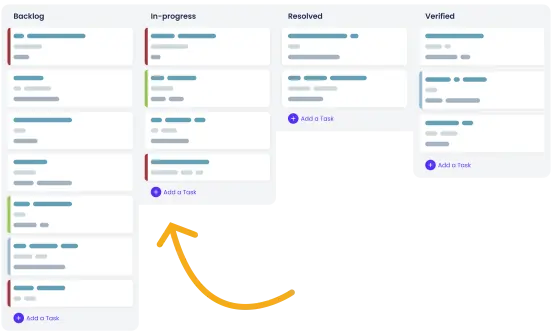
Testers and developers can collaborate more efficiently using ActiveCollab and TestLodge. Our ActiveCollab test case management integration creates bugs in ActiveCollab when a test fails, giving developers an up-to-date list of defects to fix.
How it works
Integrate your ActiveCollab account with TestLodge by authenticating and choosing the ActiveCollab project you want to link. When a test is marked as "failed," TestLodge automatically creates a task in ActiveCollab. The test case details are included in the task, providing developers with all the necessary information to address the bug.
You can also link a test case to an existing ActiveCollab task, assign a user, add a label, and set the list in which you want to create the task - all from within TestLodge. After testing, testers can re-run failed tests to confirm all reported bugs have been resolved.
Key features
- Create a task in ActiveCollab when a test fails.
- Assign a user, set the list, and add a label.
- Link a failed test with an existing task in ActiveCollab.
- Pull back the ActiveCollab task status for all failed tests within a test run.
- Automatically add a comment to a task when the test is re-verified.
- Once a task is resolved, mark the ActiveCollab task as complete directly from TestLodge.
Setup instructions
- In TestLodge, navigate to the project list and choose "issue trackers" from the side menu.
- Create a new integration for ActiveCollab and authenticate.
- Go to a project dashboard in TestLodge and edit the project.
- Choose the ActiveCollab project you want to create any raised issues in.
Once you've completed the above steps, you can start executing tests.
Frequently asked questions
Common questions around setting up the ActiveCollab and TestLodge integration.