



Overview
Our Asana test case management tool integration closes the gap between testers and developers by easily logging bug reports in Asana directly from a TestLodge test run. This enables developers to work from Asana, while testers can work from TestLodge, keeping tests and bugs up to date.
How it works
TestLodge integrates effortlessly with Asana to automatically create and update Asana tasks whenever a test fails. Our Asana test management integration offers the following features:
- Automatically create tasks - When you fail a test in TestLodge, a task is created in Asana, containing the steps to reproduce the defect and other test case information.
- Choose a list to add the task to - Select which Asana list you want to create the task under.
- Assign a user - Assign an Asana user to the task directly from TestLodge.
- Link an existing task - Link existing tasks from Asana to any test case.
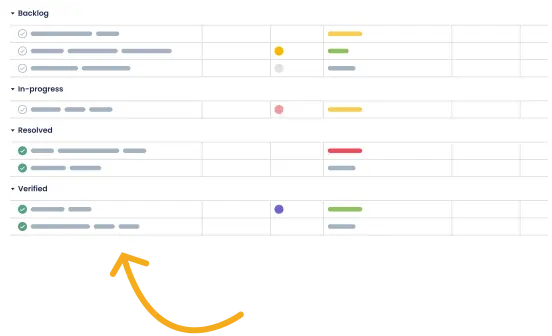
- Retrieve the task status - See which defects have been fixed so you know exactly what to re-test, then create a test run based on the status.
- Add comments to tasks - When verifying fixes, TestLodge will add a comment to any associated Task each time the test is re-executed, ensuring everyone stays informed of the defect status.
- Mark defects as resolved - When you re-run a test, previously raised tasks that are resolved will be updated to the "complete" status in Asana, keeping engineers up to date.
- Move to a different task list - You can also choose to update the assigned user and move a task to a different list for an existing task.
Setup instructions
- Go to the project list in TestLodge and select issue trackers from the side menu.
- Set up a new integration and choose Asana to authenticate.
- Navigate to a TestLodge project dashboard and click edit.
- Choose the Asana integration that you have just set up and select the project you want to connect to TestLodge.
Now, a new Asana task will be created for a defect in your chosen Asana project when you mark a test as "failed."
Frequently asked questions
Common questions around setting up the Asana and TestLodge integration.
Does your integration work with free Asana accounts?
Yes, it works with paid and free Asana accounts.
Is the integration two-way?
Yes, you can send and retrieve data from Asana.
Can I integrate with different Asana accounts?
Yes, TestLodge’s flexible platform allows you to connect different projects to various issue trackers. This means you don’t need to force your teams/clients to use the same bug trackers; they can use the systems they’re used to.
What is Asana and what does it do?
Asana gives teams visibility of projects so you always know who’s working on what. It integrates with your existing tools for improved workflows and collaboration.