




Overview
Get developers and testers on the same page using our Basecamp test case management tool integration. This provides a seamless workflow between testing and bug triaging, helping teams ship high-quality software faster.
How it works
Simply connect your Basecamp account with TestLodge by authenticating and selecting which Basecamp project to sync. When you mark a test as "failed", TestLodge will create a to-do in Basecamp. TestLodge includes the test case details, such as the steps to replicate the bug, the expected results, and the actual results, ensuring developers have all the information needed to resolve bugs quickly.
If a Basecamp to-do already exists for a bug, you can link the test case with that to-do instead of making a duplicate one. Then, when bugs are fixed, testers can re-run all failed tests to ensure the bugs have been resolved.
Key features
- Create a to-do when a test fails.
- Assign a user to the to-do.
- Select which list to create the to-do in.
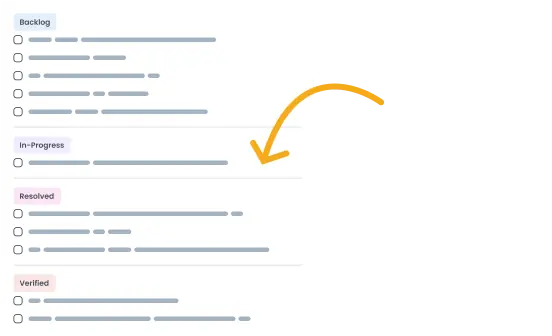
- Update the status of an associated to-do from TestLodge.
- Retrieve the to-do status so you can re-run tests for all resolved bugs.
Setup instructions
- Select "issue trackers" from the side menu in TestLodge.
- Set up a new integration for Basecamp and authenticate.
- Navigate to a project dashboard in TestLodge and edit the project.
- Select the Basecamp project you want to create to-dos in.
When a test fails, a to-do will automatically be created in Basecamp.
Frequently asked questions
Common questions around setting up the Basecamp and TestLodge integration.