



Overview
Simplify bug reporting and increase your team’s productivity using TestLodge and monday.com. Our monday.com integration helps teams work better together by increasing visibility across the testing process and removing manual bug-tracking toil.
How it works
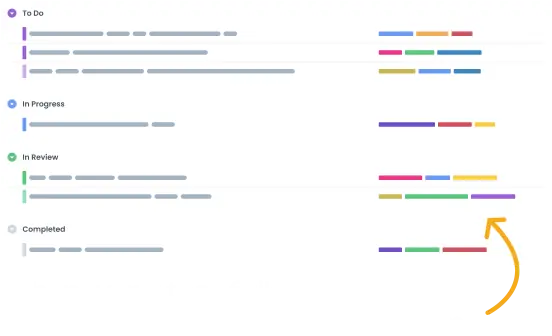
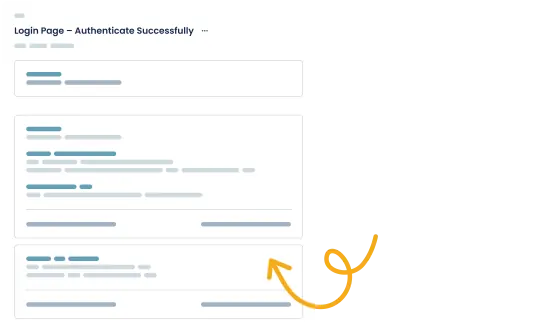
The monday.com integration for TestLodge enables testers to automatically create bugs when a test fails in TestLodge, bringing testers and developers closer for better collaboration. Our monday.com test management integration includes the following features:
- Create issues automatically - Issues are automatically created when a test is marked as failed in Testlodge.
- Set the monday.com group - Select which group you want the issue to be created in.
- Associate an existing issue - Link existing monday.com issues with a test case instead of creating a new one.
- Sync the latest issue status - Request the latest issue status from within TestLodge so you know which bugs are ready to be re-tested.
- Re-test based on issue status - Create a test run for all resolved issues that are ready to be re-tested.
- Add comments to issues - TestLodge adds a comment to the issue when you verify a fix or when you associate a test with an existing issue, keeping developers and testers on the same page.
- Mark issues as resolved - Mark issues as resolved directly from within TestLodge when you verify a fix.
Setup instructions
- Go to the project list in TestLodge and select issue trackers from the side menu options.
- Set up a new integration and authenticate with monday.com using the API key.
- Go to the project dashboard in TestLodge and edit the project you want to sync with.
- From there, you can select the monday.com project that you want to connect TestLdoge to.
Now you're ready to start testing; any failed test will create a new issue in monday.com.
Frequently asked questions
Common questions around setting up the monday.com and TestLodge integration.
Is this a bi-directional sync?
Yes, you can send and retrieve data from and to monday.com.
Can I connect with multiple monday.com spaces?
Yes, you can set up multiple connection points, meaning you can have TestLodge projects syncing to different monday.com projects. Better yet, if your team uses multiple issue trackers outside of monday.com, you can connect some TestLodge projects with monday.com while others are connected to different issue trackers. This means your teams can continue using the tools they’re familiar with.
What is the purpose of monday.com?
monday.com provides a single place where teams can collaborate on projects of any size, improving organization and efficiency across organizations. From large corporations and household brand names to small agencies and freelancers, monday.com has the tools to help you stay organized.