



Overview
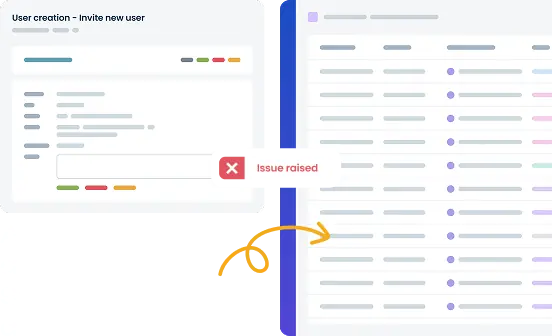
Our integration allows Smartsheet to work as a defect tracker, automatically logging bugs from TestLodge. Software testers no longer have to create defect reports manually, streamlining the workflow of reporting and tracking fixes from failed tests.
How it works
Once authentication is complete, you can select the Smartsheet workspace and a sheet where issues will be raised when a test case fails. This will include details such as the steps to reproduce the bug, the expected result, and the actual result.
When verifying any fixes, TestLodge will automatically add a comment to the existing ticket, and optionally, you may choose to update the row status without leaving the platform.
Key Features
- Add a row to Smartsheet whenever a test fails.
- Add a comment with details of how to replicate the problem.
- Pull back the row status to show alongside the failed tests.
- Verify fixes and automatically add a comment to the raised Smartsheet row.
- Update the Smartsheet status of existing raised defects.
Setup instructions
- When logged in to TestLodge as an admin or account holder, navigate to 'Issue trackers.'
- Choose to set up a new integration, select 'Smartsheet', and follow the on-screen instructions. (This should take less than a minute.)
- Navigate to a TestLodge project, edit it, then choose the Smartsheet workspace where defects should be raised.
- Optionally, before failing a test, choose a sheet where the defect will be raised.
That's all there is to it. Now, whenever a test case fails, TestLodge will automatically communicate with Smartsheet and raise a report in your chosen location.
Frequently asked questions
Common questions around setting up the Smartsheet and TestLodge integration.