
Overview
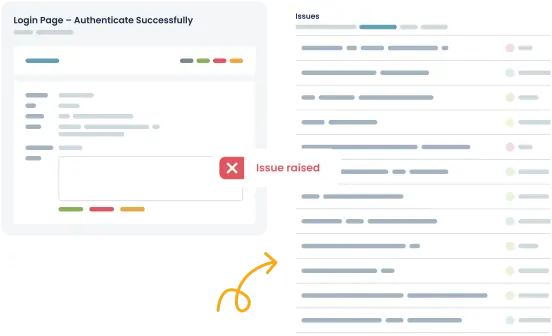
Save time logging bugs and improve collaboration between developers and testers with Zoho BugTracker and TestLodge. Our integration allows testers to seamlessly create issues whenever a test is marked as "failed" in TestLodge. TestLodge syncs all relevant information to the issue, including steps to replicate, expected results, and actual results.
How it works
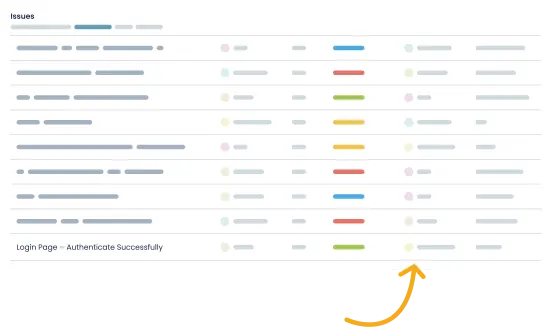
TestLodge automatically creates an issue in Zoho BugTracker whenever a test fails.
- Automated issue creation - TestLodge instantly creates an issue in Zoho BugTracker for any test marked as "failed."
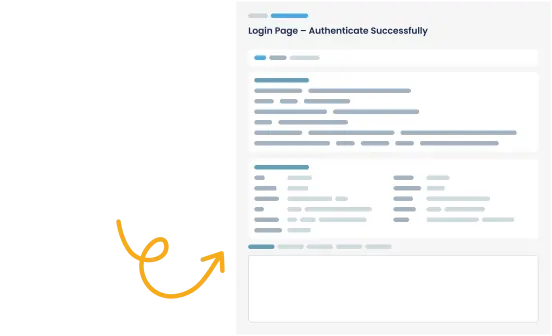
- Sync test case details - TestLodge includes the replication steps, expected result, and actual result in the issue so developers have all the information they need to resolve the bug.
- Set assignee and severity - Testers can set the assignee and severity of a bug directly from TestLodge.
Setup instructions
- Navigate to "issue trackers" from the side menu.
- Select "Zoho BugTracker" to authenticate.
- Navigate to a project's dashboard in TestLodge and edit the project.
- Select the Zoho BugTracker project where you want to create issues.
Now, when you mark a test as "failed," a bug will automatically be created directly from TestLodge.
Frequently asked questions
Common questions around setting up the Zoho BugTracker and TestLodge integration.
Does it work with free Zoho BugTracker accounts?
Yes, our integration works with all Zoho BugTracker plans.
My team uses multiple issue trackers; do you support that?
Yes, TestLodge allows you to set up multiple issue trackers to have Zoho BugTracker connected to a project and a different issue tracker integration connected to another project, ensuring your team can continue using the bug tracker they’re comfortable with.
What is Zoho BugTracker used for?
Zoho BugTracker is a simple issue tracker tool focused on bug management. You can easily log bugs, capture relevant criteria, and view reports.